Revoke Tokens for a Client
Existing clients can have their tokens revoked by an Administrator from dashboard.
Revoke selected tokens
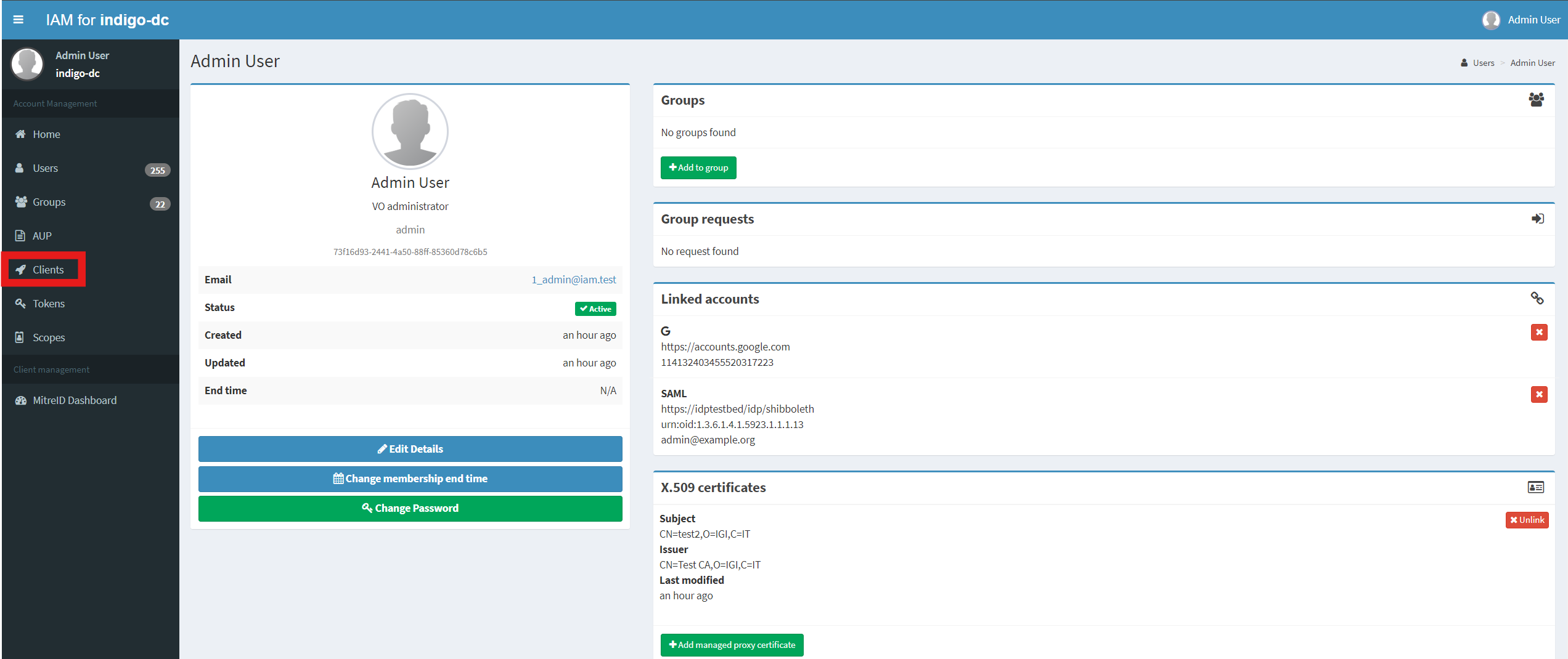
Log into the service using Admin credentials and click on the Clients link on the left navigation bar:
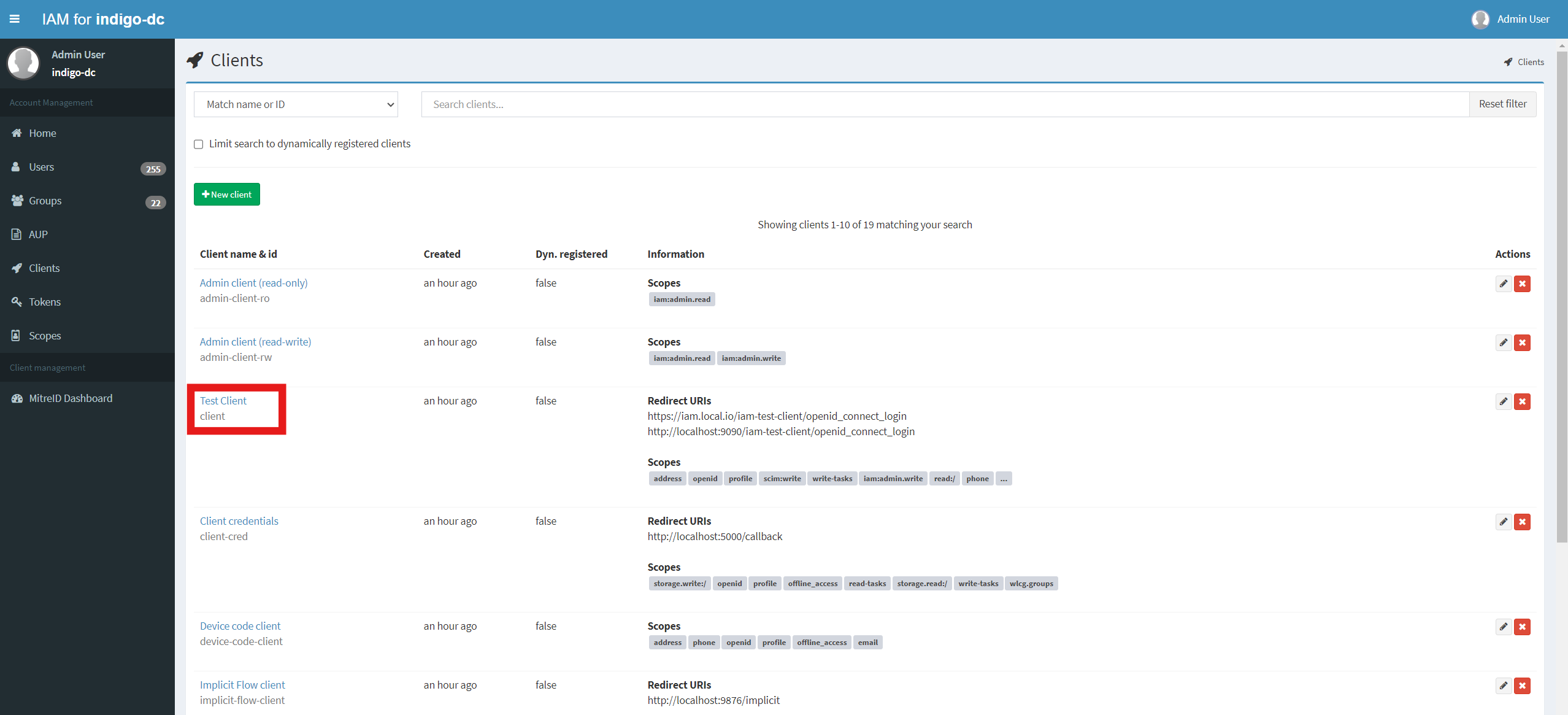
From the Clients link, select the Client you want to disable, for example Test Client:
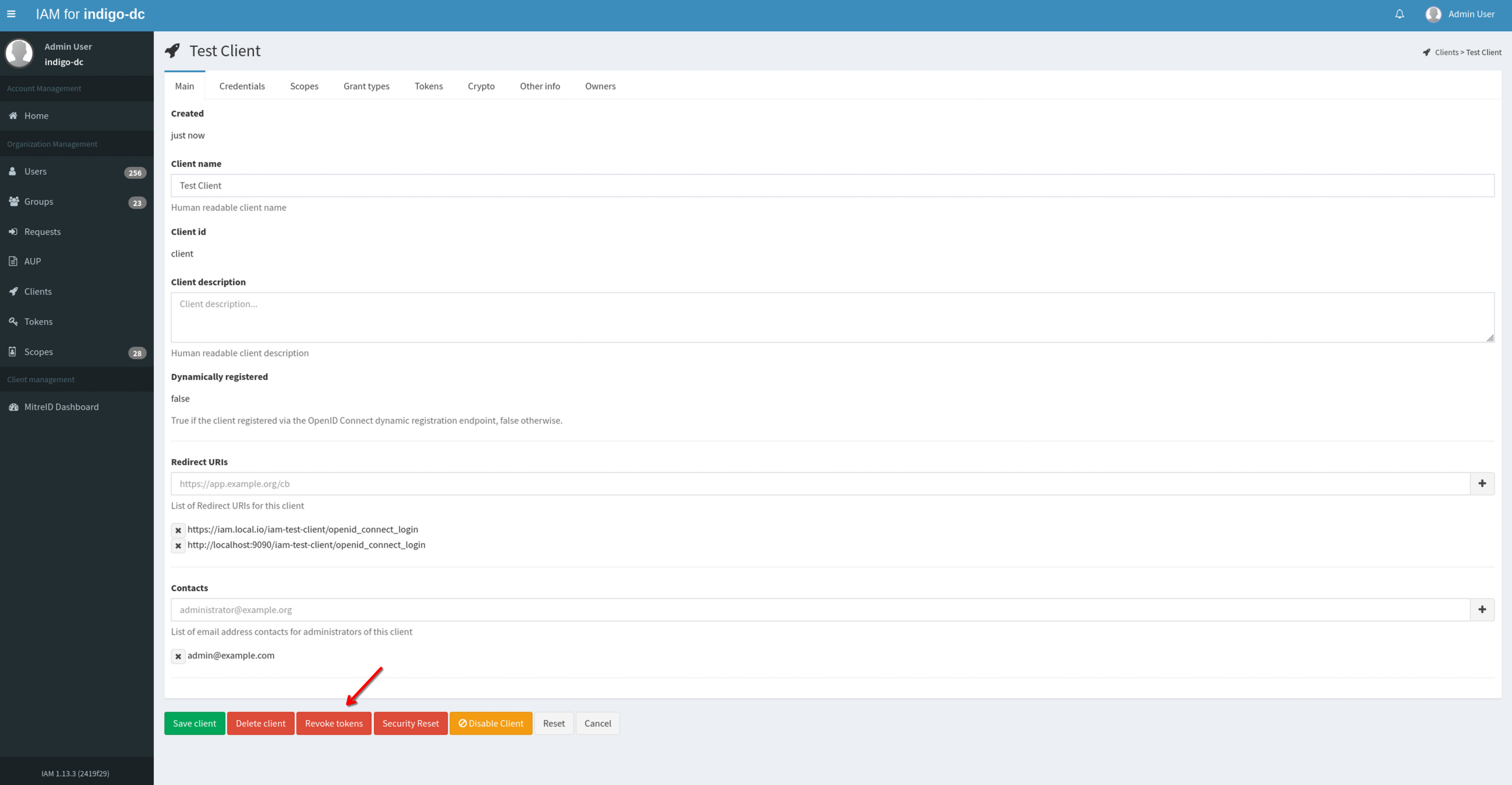
To revoke the client’s tokens click on the Revoke tokens button on the bottom of the page:
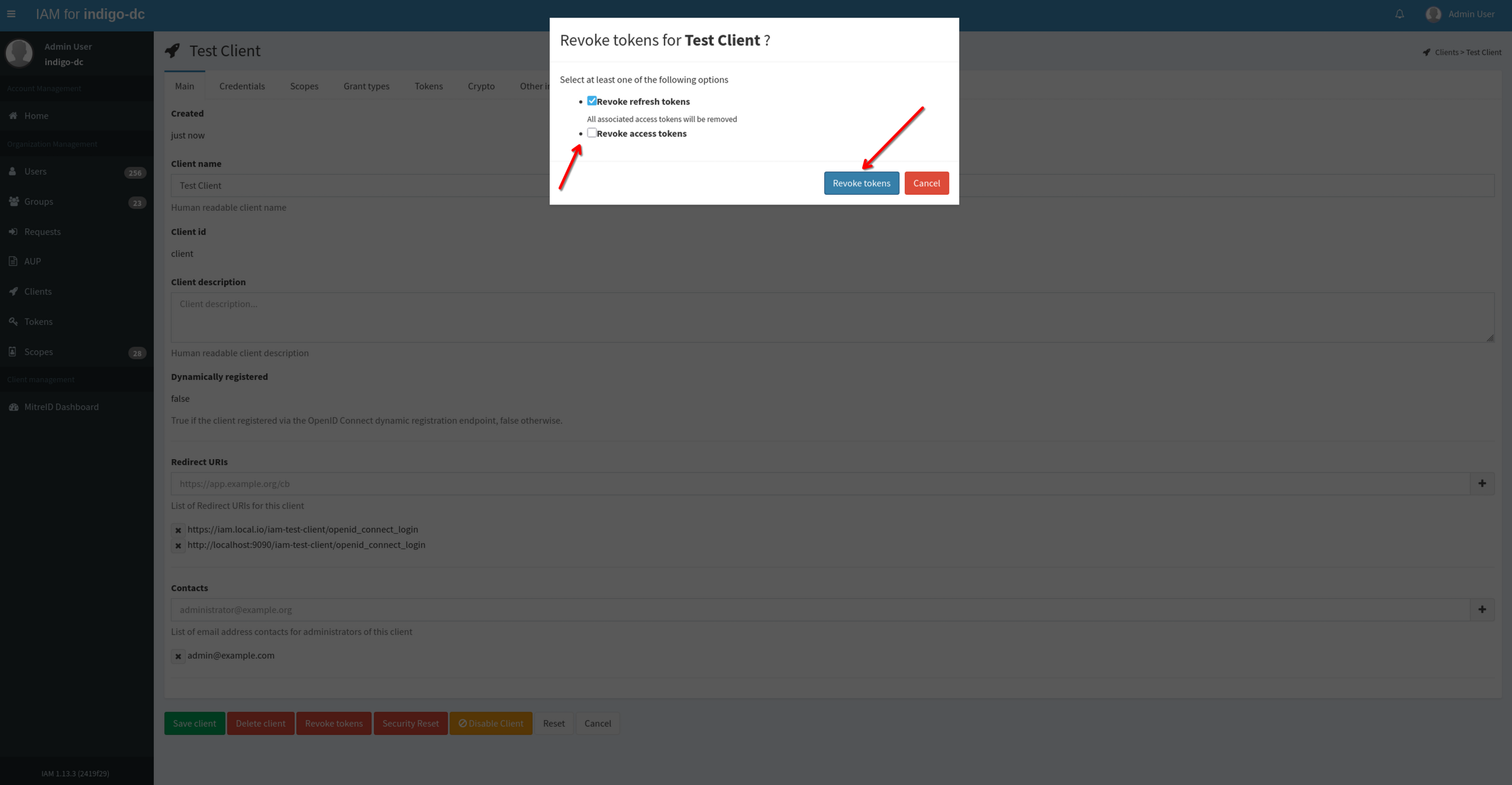
A pop-up window will appear: to specify which tokens you want to remove, select the corresponding checkbox. To confirm your choice click on the Revoke Tokens button on the modal window:
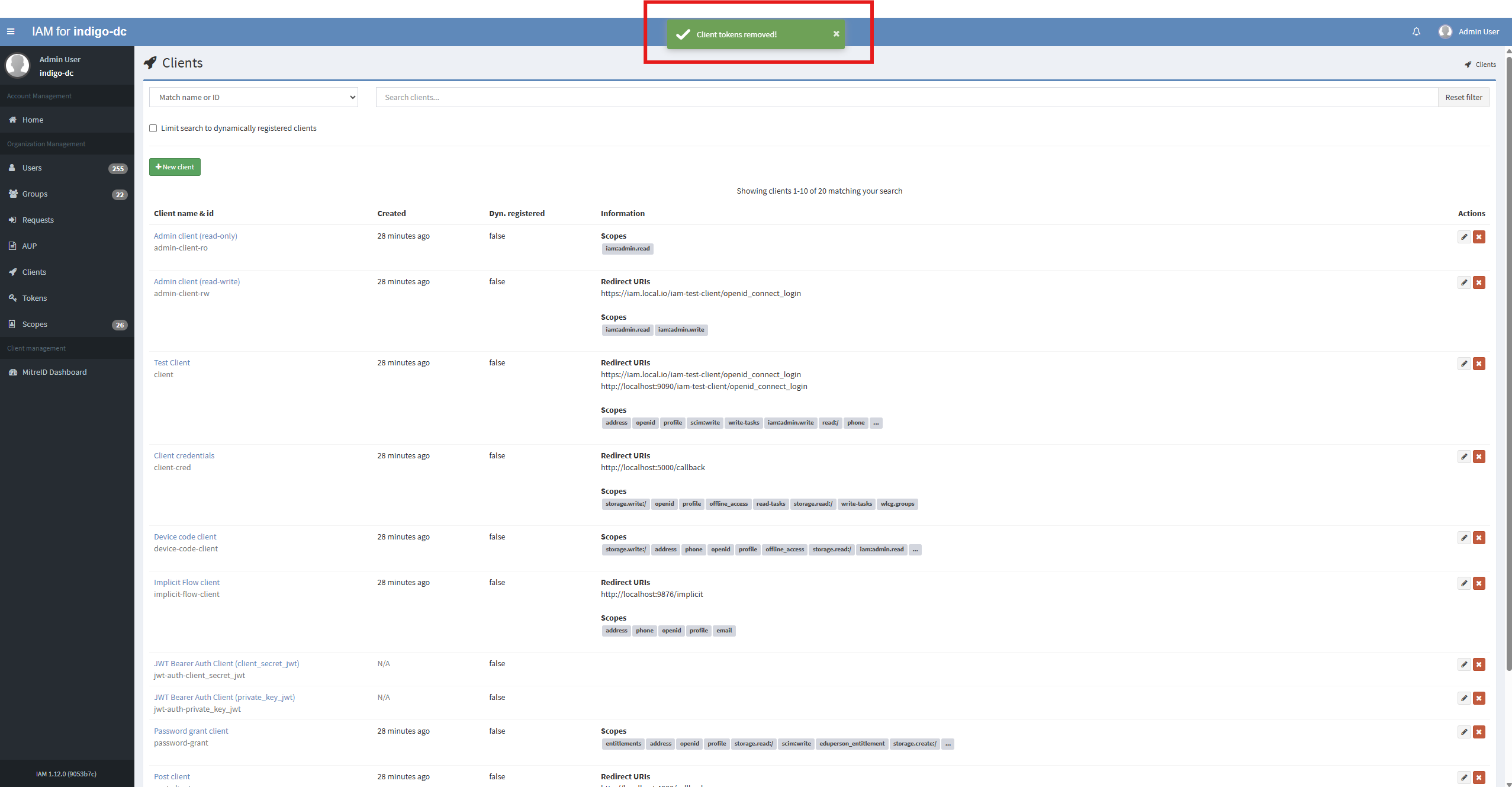
On success you will get a confirmation message and you will be redirected to the clients page:
Security reset
A security reset will revoke all the tokens issued to that Client and rotate the Client secret. The intention of this is that given one knows the Client has been compromised, then it is easily and quickly possible to reset all access for that given Client.
Log into the service using Admin credentials and click on the Clients link on the left navigation bar:
From the Clients link, select the you want to disable, for example Test Client:
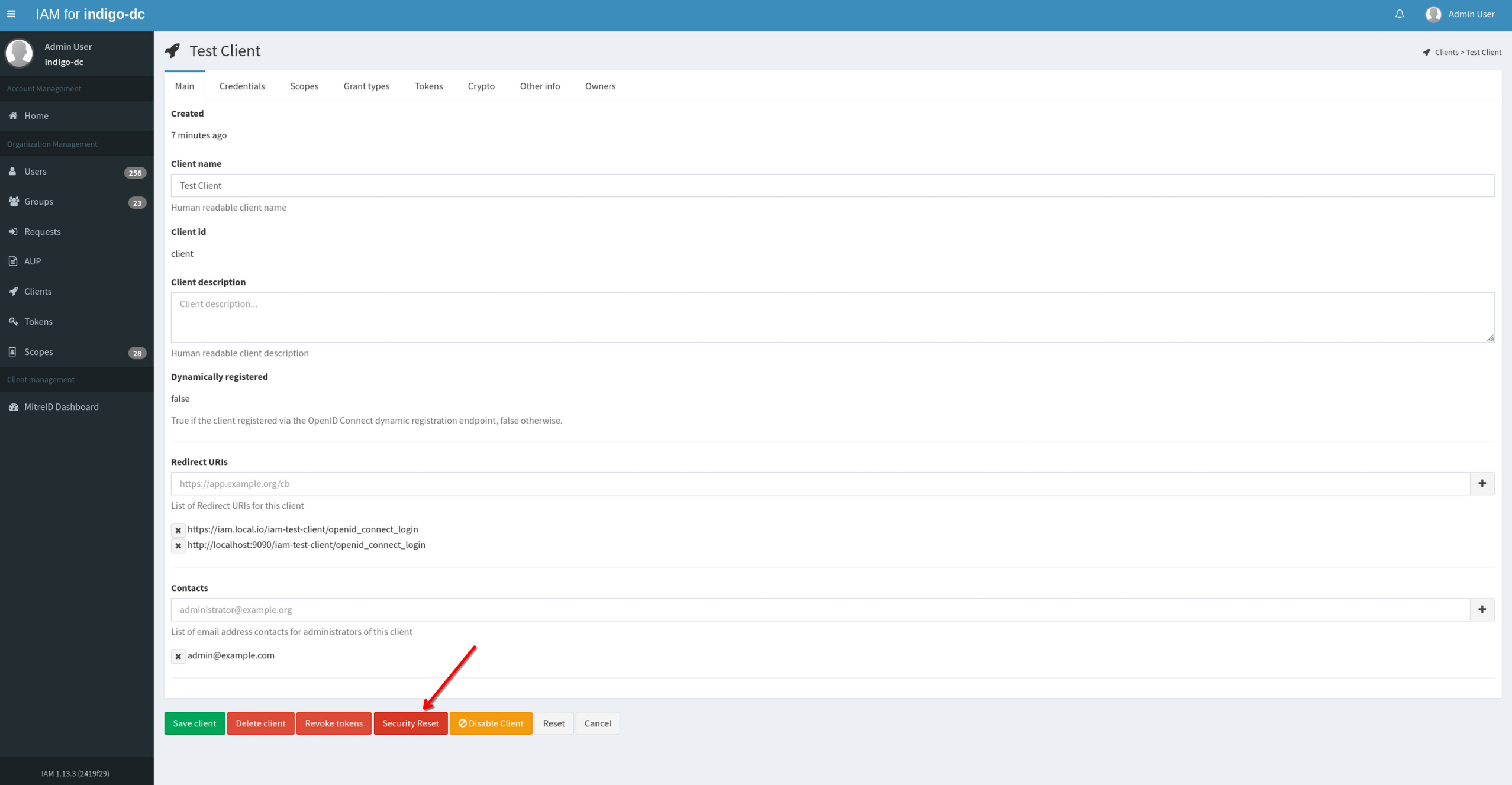
To revoke all tokens issued to the Client and to rotate the Client secret click on Security Reset button on the bottom of the page:
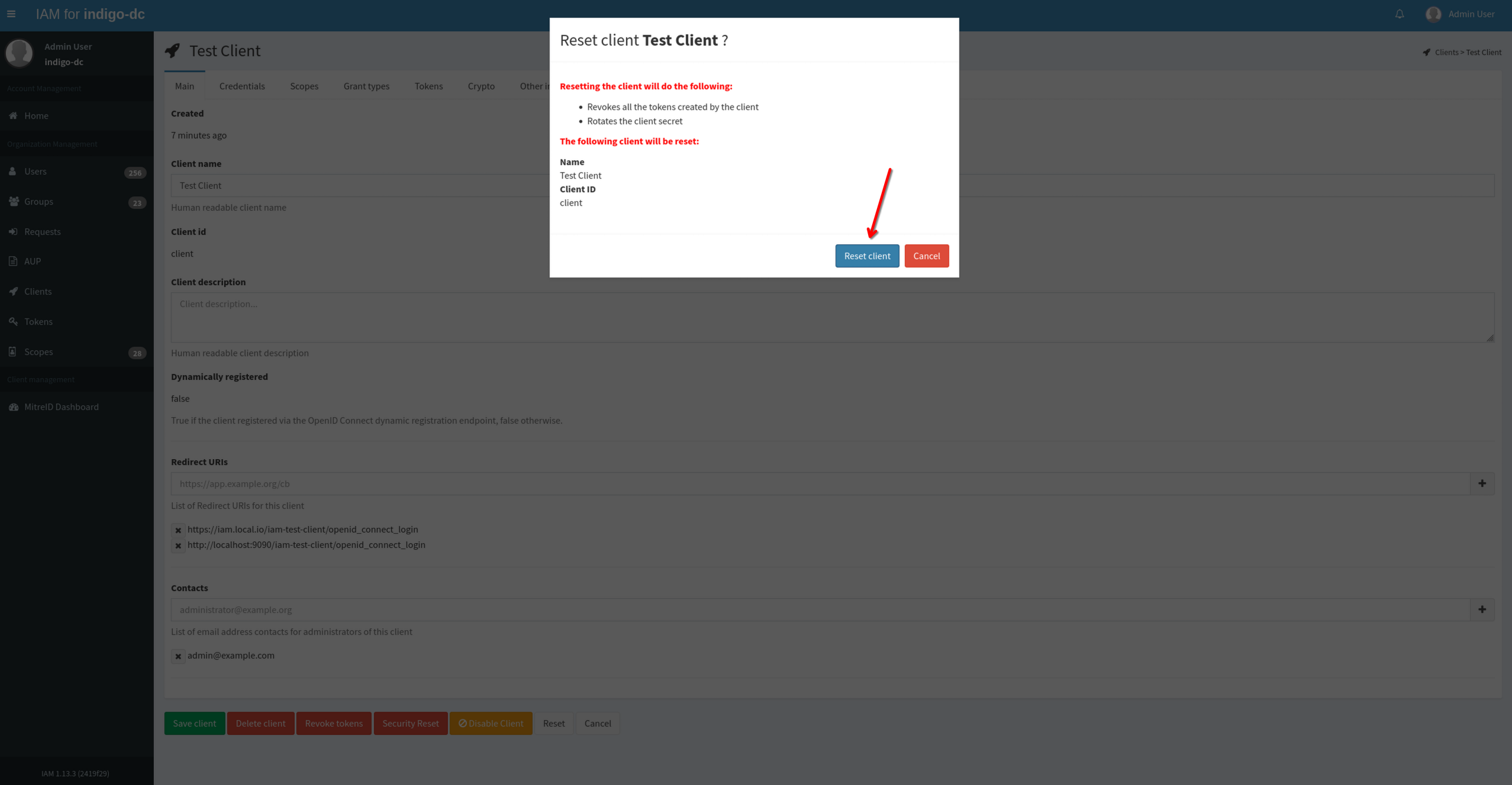
To confirm your choice click on the Reset Client button on the modal window:
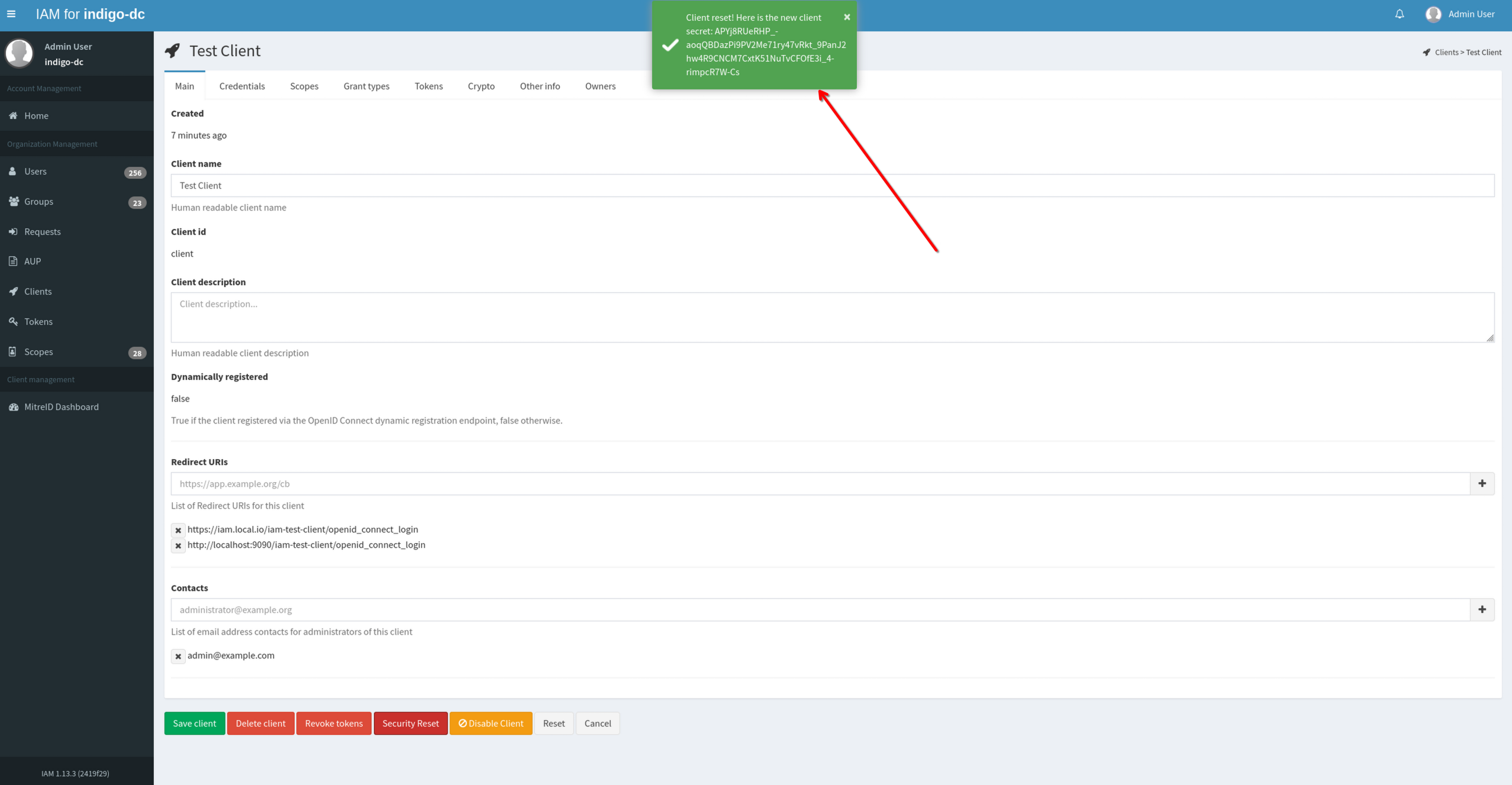
On success you will get a confirmation message which displays the new client secret of the client that was reset: